Introduction
You can colour code your classes so you can find them more easily on the timetable.
Change the colour of a class
To change the colour of a class, go to Timetable.
- Select the class you want to change the colour of and then select Edit.
- You can choose one of the displayed colours or enter the HEX code of a colour you'd like to use.
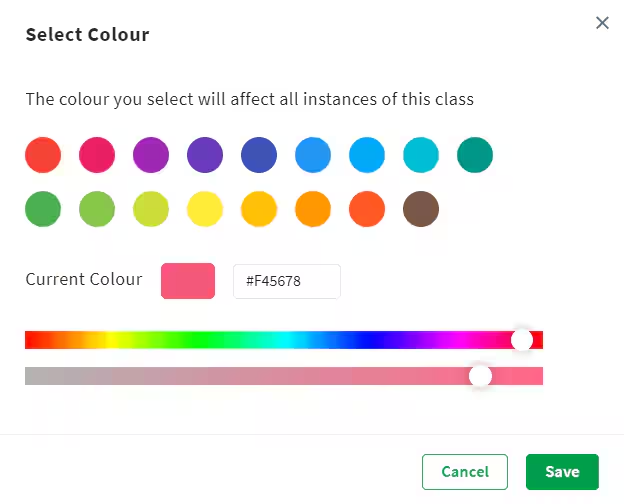
- Select Save when you're done.
The colour displays on each instance of the class in the timetable.
Was this article helpful?
That’s Great!
Thank you for your feedback
Sorry! We couldn't be helpful
Thank you for your feedback
Feedback sent
We appreciate your effort and will try to fix the article